If your device does not support eSIM, or you simply prefer a physical SIM, we post one to you. Here is how to get it running.
Fit the SIM
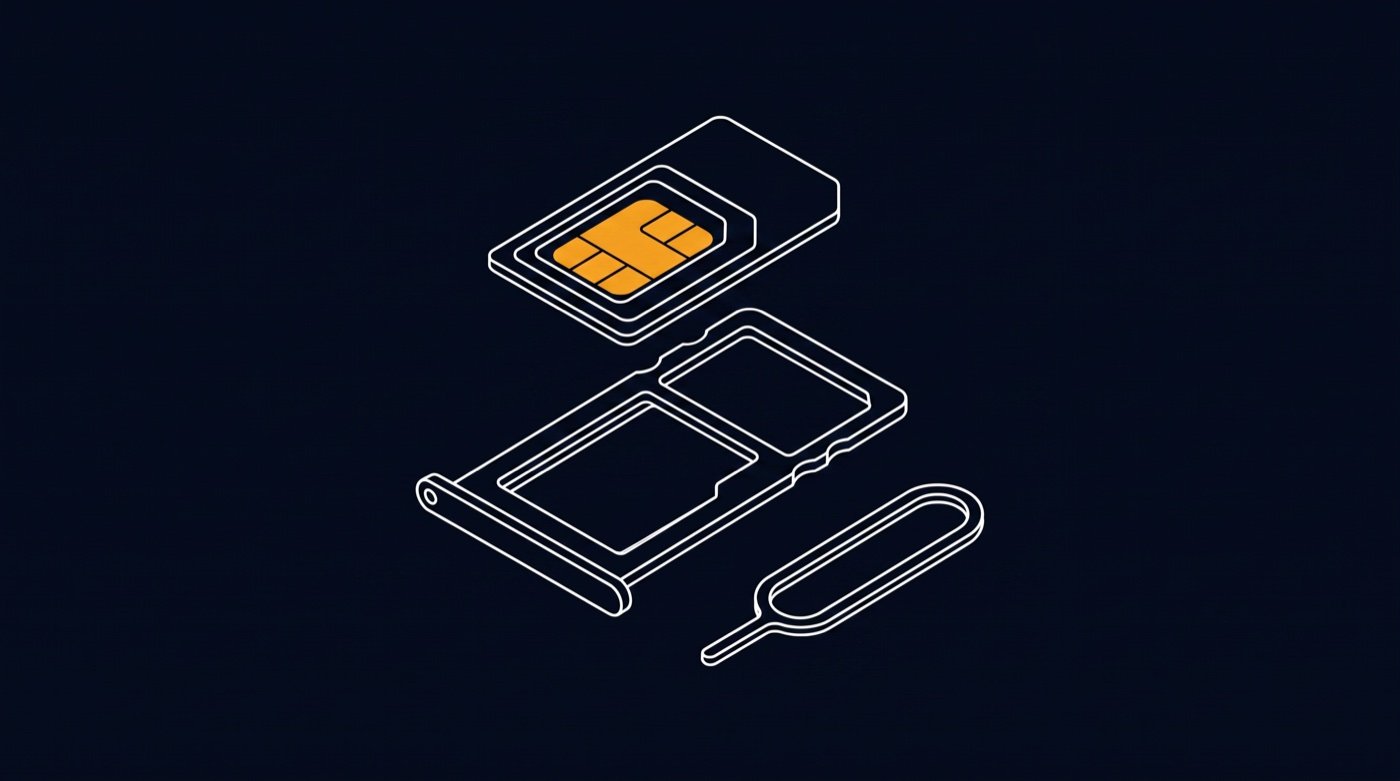
- Power the phone off.
- Open the SIM tray (use the tool in the pack or a paper clip) and fit the SIM. The card pops out of its frame in three sizes - standard, micro and nano - so push out the size that matches your tray.
- Power the phone back on.
Activate
Most SIMs activate automatically within a few minutes of first signal. If your pack or order email includes an activation step, follow it - activation links your SIM to your account and plan.
Check it is working
You should see the network name and signal bars. Send a text, make a short call, and try mobile data with Wi-Fi off.
Troubleshooting
- No signal after 15 minutes: restart the phone, and check the SIM is seated properly.
- "SIM not provisioned" or similar: the SIM has not finished activating on our side - wait a few minutes and restart. If it persists, contact us with the SIM number printed on the card.
- Calls work but data does not: settings normally arrive automatically; a restart usually applies them. If data still fails, raise a ticket and we will push the settings to your line.
Was this helpful?